The Operators
We’ve been told automation will make life easier. However, it often means brittle scripts, endless setup, and rules that snap the moment something changes. What if automation worked like a person? What if, instead of coding, you could just teach it? That’s what an Operator is. An AI agent you train by showing it how to do a task on your screen, inside an app, or through a camera. It watches. It learns. It acts. And when things change, it adapts.
What is an Operator?
An Operator is an autonomous agent powered by Vision-Language-Action (VLA) models. It functions through a continuous loop:
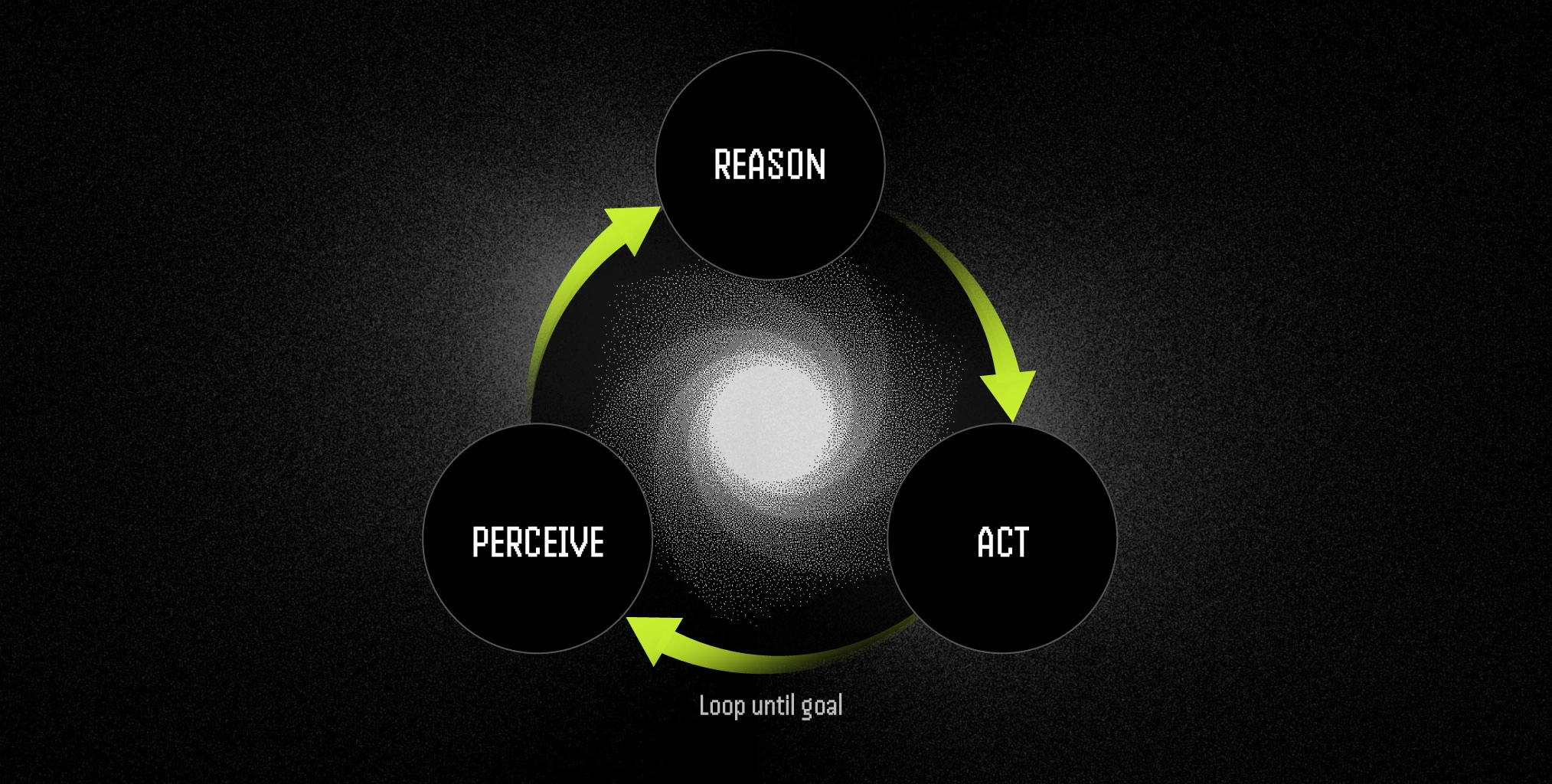
- Perceive: Understands the environment from screen captures, camera feeds, or sensors
- Reason: Combines what it sees with what it’s told to figure out what to do
- Act: Executes the right input, whether that’s a mouse click, keyboard press, API call, or robot command
Modular by Design
Operators are small, focused units, each built for one job. Meaning, they’re modular - each trained to do one task really well. You can:
- Use them individually
- Run them in parallel
- Chain them together
Instead of building a single large, complex automation, you can connect multiple Operators to form complete workflows. This makes them easier to manage, faster to adapt, and reusable across different processes.
For example, a hiring workflow might use:
- Resume Scanner – Reads incoming resumes and shortlists candidates.
- Interview Scheduler – Matches candidates with available interview slots and sends invitations.
- Offer Creator – Prepares and sends final offer letters.
If any part of the process changes, you only need to update or replace that single Operator, the rest will continue working as before.
Real-World Examples
- Rebilling – Logs in, finds invoices, updates billing cycles, and saves records in a fraction of the usual time.
- Robotic Sorting – Uses a camera to identify packages, then directs a robotic arm to move them, adapting to changes in size, lighting, or position.
- QA Testing – Clicks through software workflows, detects failures, and logs them automatically in Jira.
All of these began with a human demonstrating the task step-by-step.
Who Can Build Operators?
Traditionally, building something like this was only for developers. You had to:
- Write scripts
- Integrate APIs
- Handle all the ways things could fail
- Keep everything updated when systems changed
For most people, this was too hard.
Operators in CodecFlow
This is where CodecFlow comes in. It makes Operators accessible to everyone. Developers can still fine-tune, extend, and integrate them with other systems, but non-technical users can record their workflow, explain it, and have an Operator trained from that demonstration.
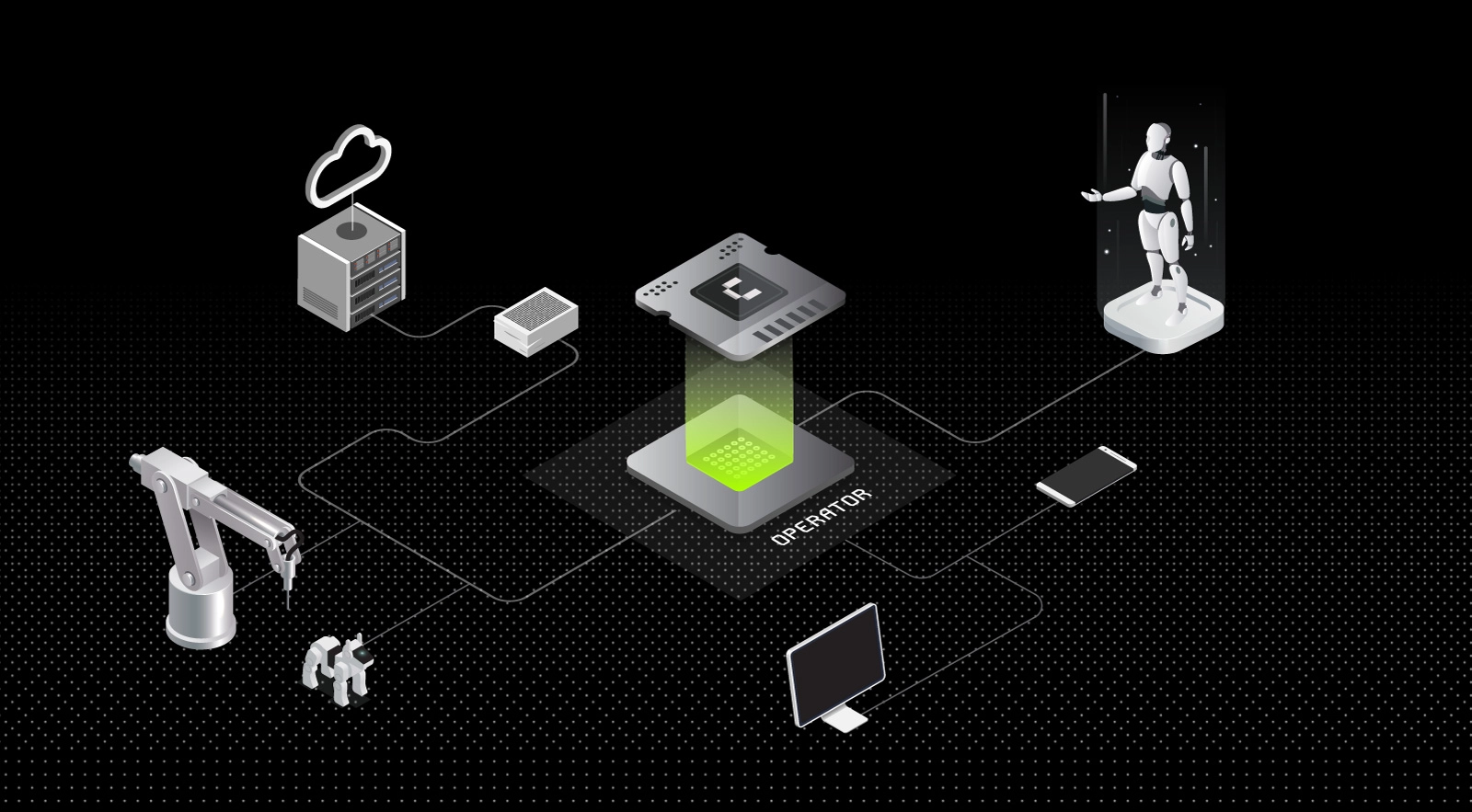
With CodecFlow, automation stops being fragile and becomes something you can teach once, use forever, and adapt whenever your workflow changes. It turns the idea of human-like learning in automation into a tool that anyone can use.
Ending Note
While Operators are a broad concept, they are not just another way to automate work. They are a shift in how we think about getting things done.
As we move further into a world where work happens across devices, platforms, and even physical machines, the ability to teach technology, not just program it, will become a core skill. Operators make that skill accessible to everyone.
And, CodecFlow makes it easier than ever to create and deploy an Operator.
This is the foundation. In the next parts of this series, we’ll explore the building blocks that make Operators possible - from Vision-Language-Action models (VLAs) that let machines see, understand, and act, to their role in robotics, where software meets the physical world.